LoopSense
LoopSense is a 3D-aware navigation tool designed for the world’s most complex urban square mile. While standard maps treat cities as flat surfaces, Chicago is a vertical labyrinth of elevated tracks, street-level canyons, and an underground 'Pedway.'
Duration:
24 hours
Role:
UX Design
Tools:
Google Docs, FigJam, Figma, Canva
The Problem
Urban navigation is currently designed for 2D surfaces and temperate climates. In a vertical, high-wind, sub-zero environment like the Chicago Loop, standard maps become misleading and even dangerous. Users face 'Blue Dot' confusion in underground tunnels, physical danger in architecture-induced wind tunnels, and 'dead-ends' due to unmapped bridge lifts and broken elevators.
Weaknesses
The "Verticality" Gap
Accessibility as a "Constraint," Not a "Filter"
Predictive Departure State
Live Elevator & Escalator Alerts
∙ Key Question
When do BLV users trust AI, and when do they prefer humans?

Research Goals
Goal 1
Understand trust differences between AI and human agents
Goal 2
Identify usability friction in live camera guidance
Goal 3
Examine economic and accessibility barriers
Methods
Participants
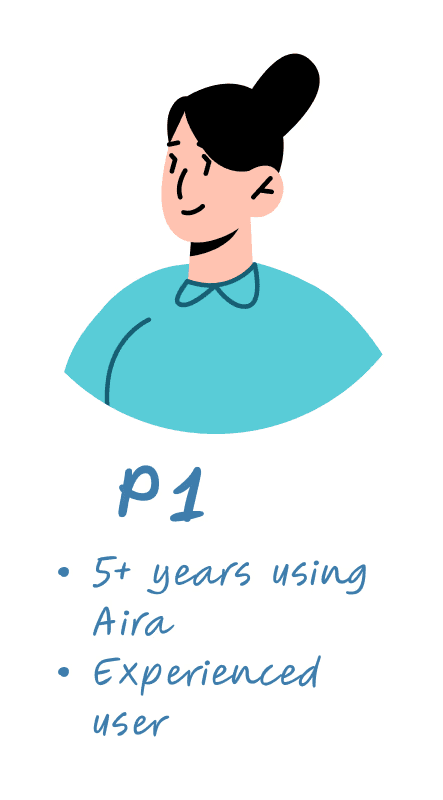
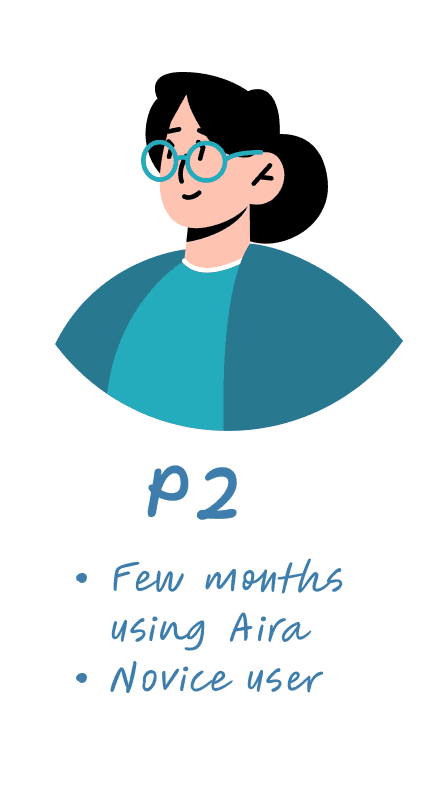
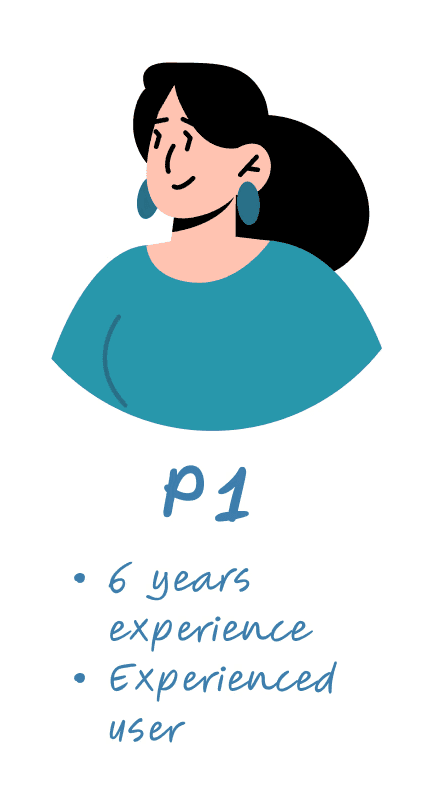
3 BLV participants
2 expert users of AIRA, 1 novice user
All used iPhone VoiceOver

Method
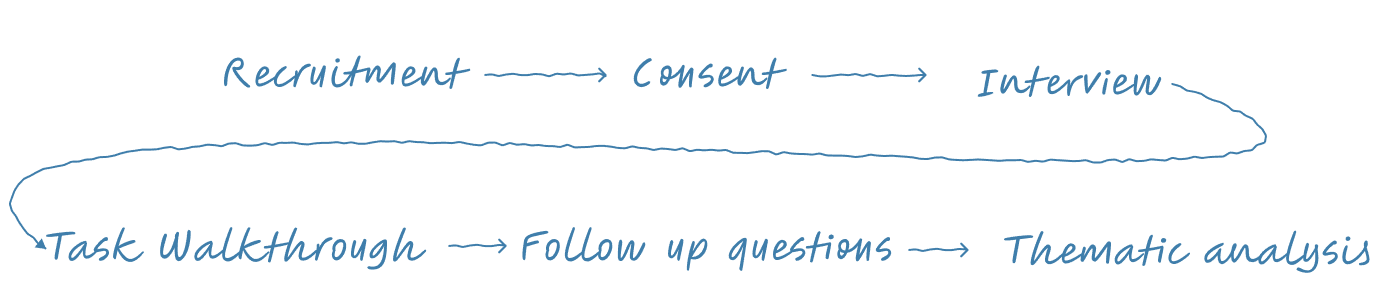
20–25 min remote interviews (Zoom)
3 task walkthroughs:
Object identification
Text recognition
Spatial orientation
Key Insights
Insight 1
Users switch between AI and humans based on risk.
Low risk tasks → AI (speed)
High risk tasks → Human agents (accuracy + trust)
┃“First I used Seeing AI to read it and then I wanted to be sure… so I called the agent.”
Insight 2
Time limits create cognitive anxiety. The 5-minute free model influenced user behavior and added stress to navigation tasks.
┃“I don’t know if it would take five minutes — you think it would take longer than five minutes?”
Insight 3
Camera framing is a major friction point. Live video requires precise alignment without feedback, making it difficult—especially for novice users.
┃“I wish that the AI could direct me more where to point my camera to see something more clearly.”
Insight 4
AI lacks directional guidance. Users wanted audio or haptic cues to help aim the camera and clearer communication when AI was uncertain.
┃“What I like is that they make adjustments… and then they tell you where to direct it.”
Design Opportunities
Opportunity 1
Asynchronous Task Briefing:
Users upload a snapshot before live connection.
Impact
Saves metered time
Reduces explanation overhead
Opportunity 2
Real-Time AI Camera Guidance:
AI provides audio/haptic guidance before connecting to a live agent.
Impact
Reduces call time
Improves independence
Lowers cost anxiety

Opportunity 3
Practice Mode:
Simulated onboarding for new users.
Impact:
Reduces learning curve
Builds confidence
Limitations & Future Work
Limitations
Very small sample size
All participants were female
All participants have had experience with AI
Future Work
In person contexual inquiry
Include broader demographic
Broader range of technology use
Reflection
I learnt that trust in AI accessibility systems depends on the user’s specific needs and the situation. Pricing models also influence user behavior. AI systems should clearly communicate how confident they are in their responses, especially because blind and low-vision (BLV) users may not be able to independently verify the information. Designing for accessibility is not only about efficiency, but also about trust, confidence, and reducing stress.