This project evaluates trust and usability in AIRA, a remote sighted assistance app for blind and low-vision (BLV) users. Through interviews and task testing, we identified challenges related to camera guidance, time limits, service reliability, and user confidence. The study shows how users switch between AI and human agents based on task risk and accuracy needs.
6 weeks
ROLE
UX Research
TOOLS
Google Docs,
Zoom
The Problem
Indoor navigation tools focus heavily on obstacle detection, but real-world navigation also requires contextual understanding—reading signage, confirming details, and interpreting environments. While AI tools offer speed, users often revert to human assistance through services like Aira when accuracy matters.
∙ Key Question
When do BLV users trust AI, and when do they prefer humans?

Research Goals
Goal 1
Understand trust differences between AI and human agents
Goal 2
Identify usability friction in live camera guidance
Goal 3
Examine economic and accessibility barriers
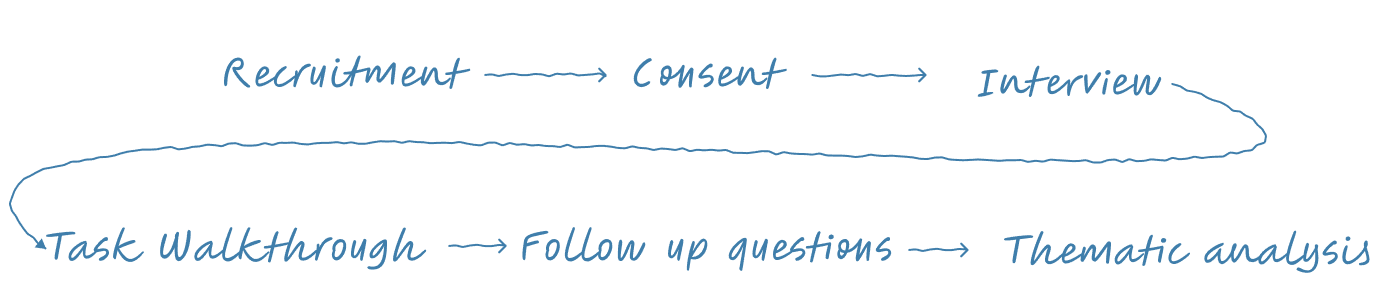
Research Method
Participants
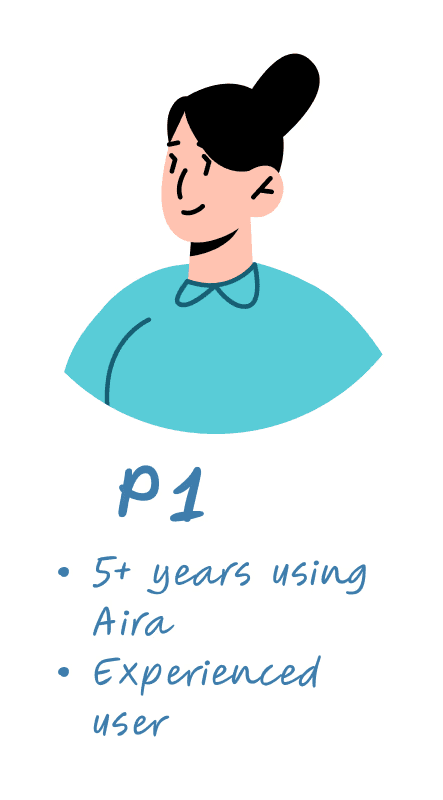
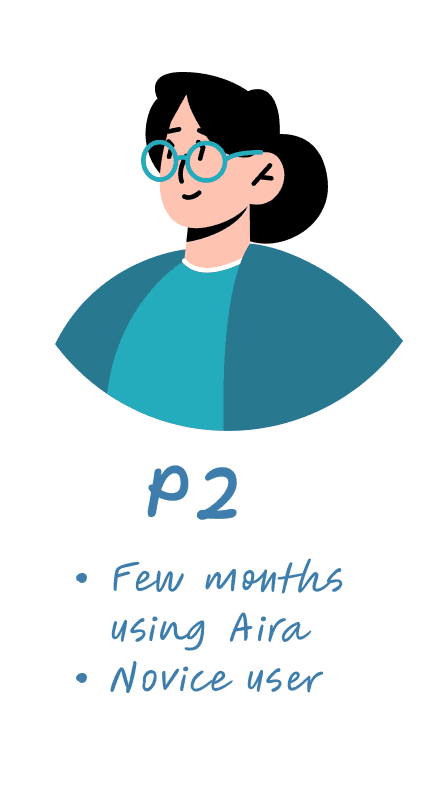
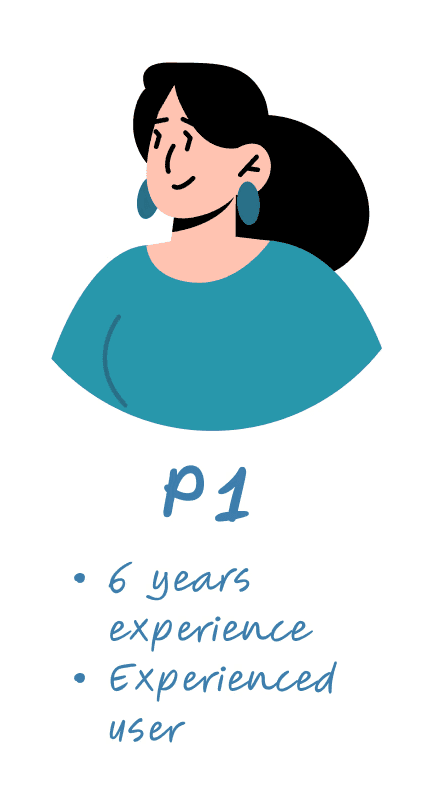
3 BLV participants
2 expert users of AIRA,
1 novice user All used iPhone VoiceOver
Method
20–25 min remote interviews (Zoom)
3 task walkthroughs:
Object identification
Text recognition
Spatial orientation
Key Insights
Design Opportunities
Limitations & Future Work
Limitations
Very small sample size
All participants were female
All participants have had experience with AI
Future Work
In person contexual inquiry
Include broader demographic
Broader range of technology use
Reflection
I learnt that trust in AI accessibility systems depends on the user’s specific needs and the situation. Pricing models also influence user behavior. AI systems should clearly communicate how confident they are in their responses, especially because blind and low-vision (BLV) users may not be able to independently verify the information. Designing for accessibility is not only about efficiency, but also about trust, confidence, and reducing stress.