Reduced teacher burnout & turnover from ~10-15 hours/week to ~4-5 hours/week
DURATION
6 weeks
ROLE
UX Design
TOOLS
Figma Make
Terms
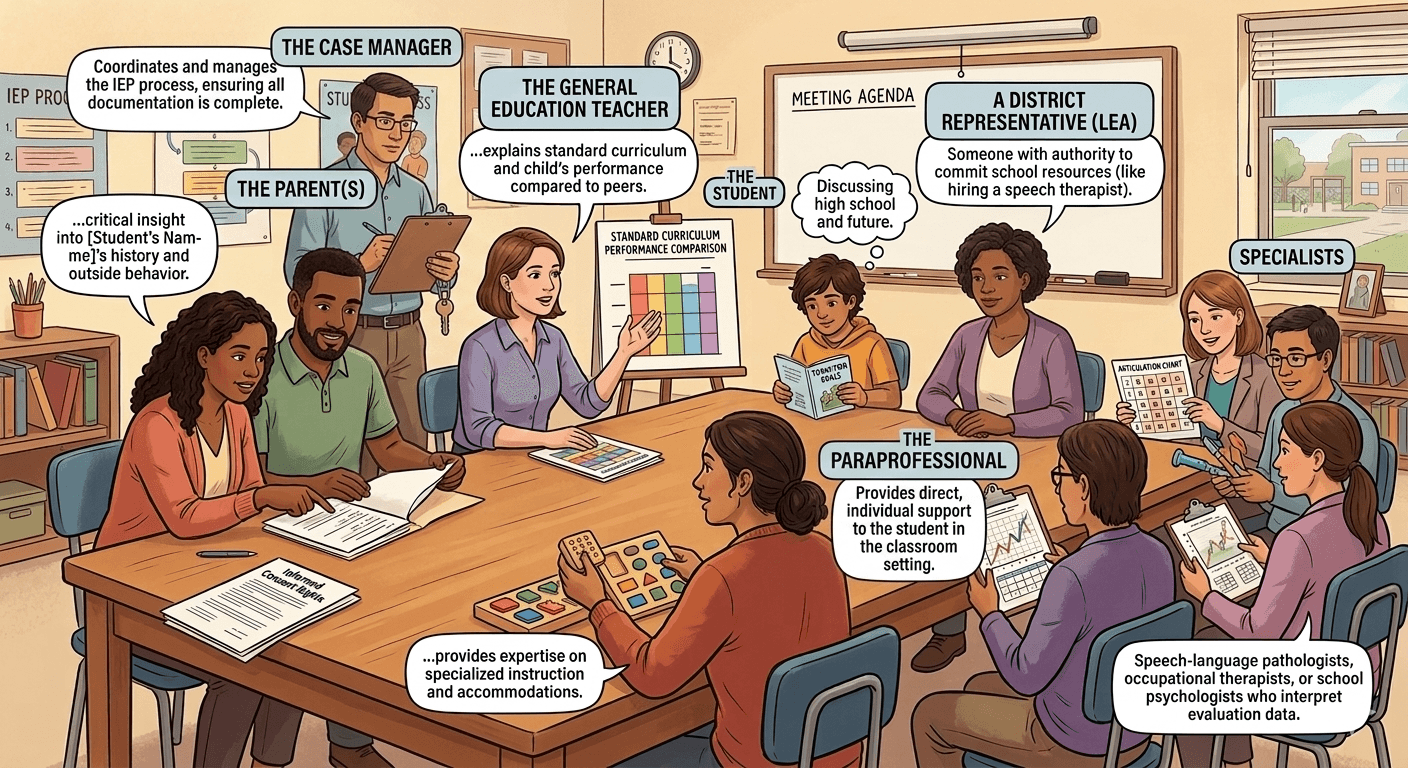
IEP (Individualized Education Program): A legally binding custom plan created for a student with a disability. It outlines what the student needs to learn, what tools they get (like extra time on tests), and what goals they are working towards.
Students with IEPs: Students who have been formally identified as having a disability that affects their learning.
K-12 Teachers: Educators who teach students from Kindergarten (age 5-6) through 12th Grade (age 17-18).
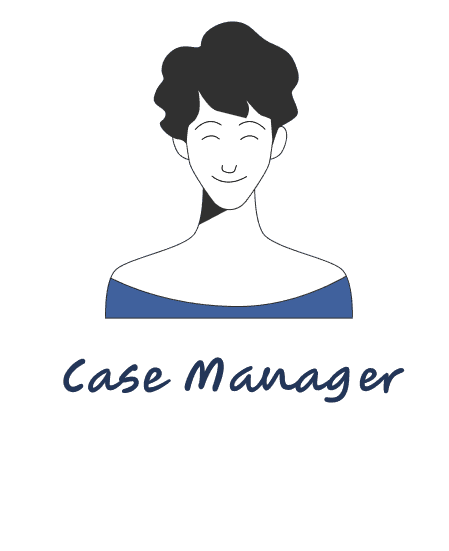
Case Manager: The "Project Manager" for a student's IEP. They coordinate between teachers, parents, and specialists to make sure everyone is following the student's plan.
Paraprofessional: A trained staff member (sometimes called a "Teacher's Aide") who works directly with students to provide extra support.
Parent's Role: Parents are essential "Advocates" and legal partners on the IEP team. Their role is to provide a history of the child’s behavior outside of school and to give informed consent.
The Problem
K–12 teachers spend a large part of their time on administrative work like data entry, reports, compliance documentation (including IEP-related tasks), and routine communication instead of teaching. This reduces the time they have for lesson planning, giving feedback, and supporting students.
Because of this, their role shifts away from being an educator toward managing paperwork. It also forces work to spill into evenings and weekends, leaving less time to prepare differentiated lessons or support students with different learning needs in the classroom.
Pain Points:
#1
Limited time for personalized teaching
#2
Low trust in AI systems
#3
Hard to fit into existing workflows
∙ Key Question
How might we reduce teachers’ administrative workload so they can focus more on teaching and student learning?
Research
Secondary Research
200+
administrative tasks
Teachers perform over 200 distinct paperwork and clerical activities every year.
80%
differentiation gap
80% of teachers report that a lack of time is the primary reason they cannot properly differentiate instruction for diverse learners.
14%
job balance
Only 14% of teachers feel their professional responsibilities are free from excessive non teaching tasks
23
"Off Limits" tasks
The U.K. Department for Education has identified 23 specific administrative tasks that should not be required of educators to protect their instructional time
45 min
prep window
Most teachers have only about 45 minutes of preparation time per day, and this is frequently interrupted by meetings or other duties.
20 to 40
page documents
General education teachers are responsible for implementing accommodations from IEP documents that often range from 20 to 40 pages in length.
Interviews
Interview Goals
#1
To understand why one-size-fits-all teaching persists
#2
To identify repetitive tasks AI can handle
#3
To define AI limits and success criteria
3 Participants


Research Insights

Insight 1
Educators finish most paperwork at home because only a third of mandated documentation fits into their actual school day.
Insight 2
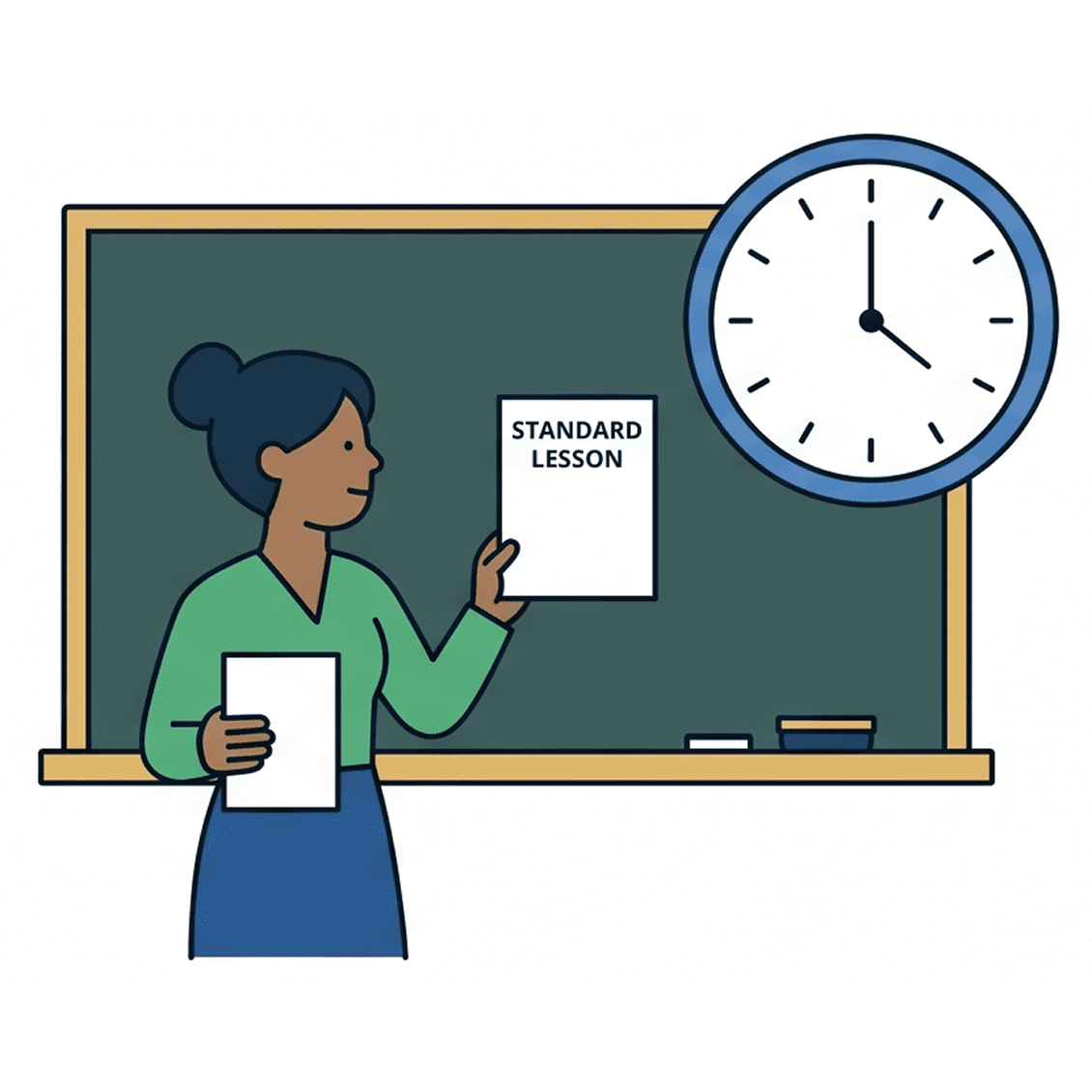
High workload often forces teachers to use standardized lessons over personalized ones because they lack the time to adapt materials.
Insight 3
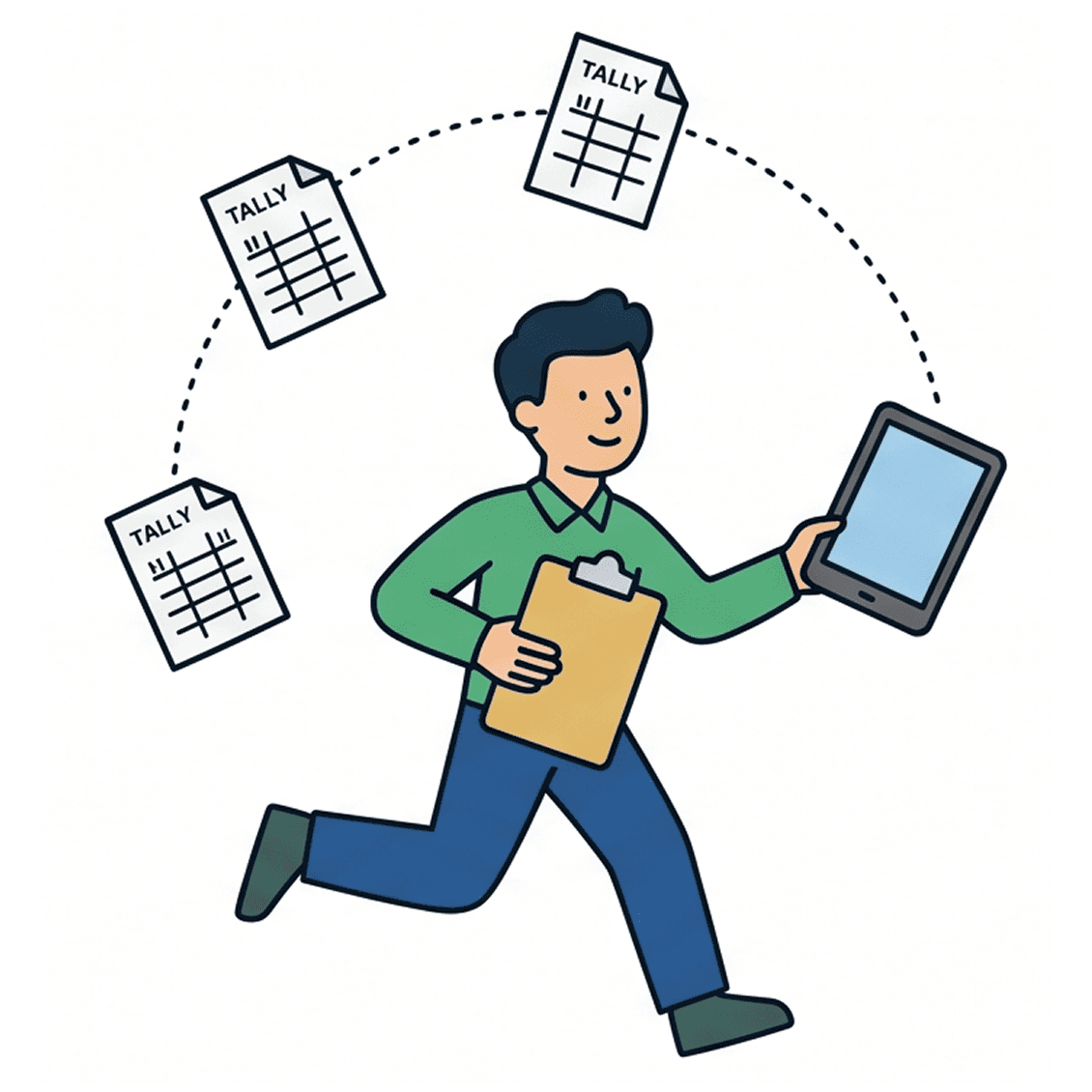
Staff members act as manual data couriers between paper tallies and official systems because of a lack of centralized digital flow.
Insight 4
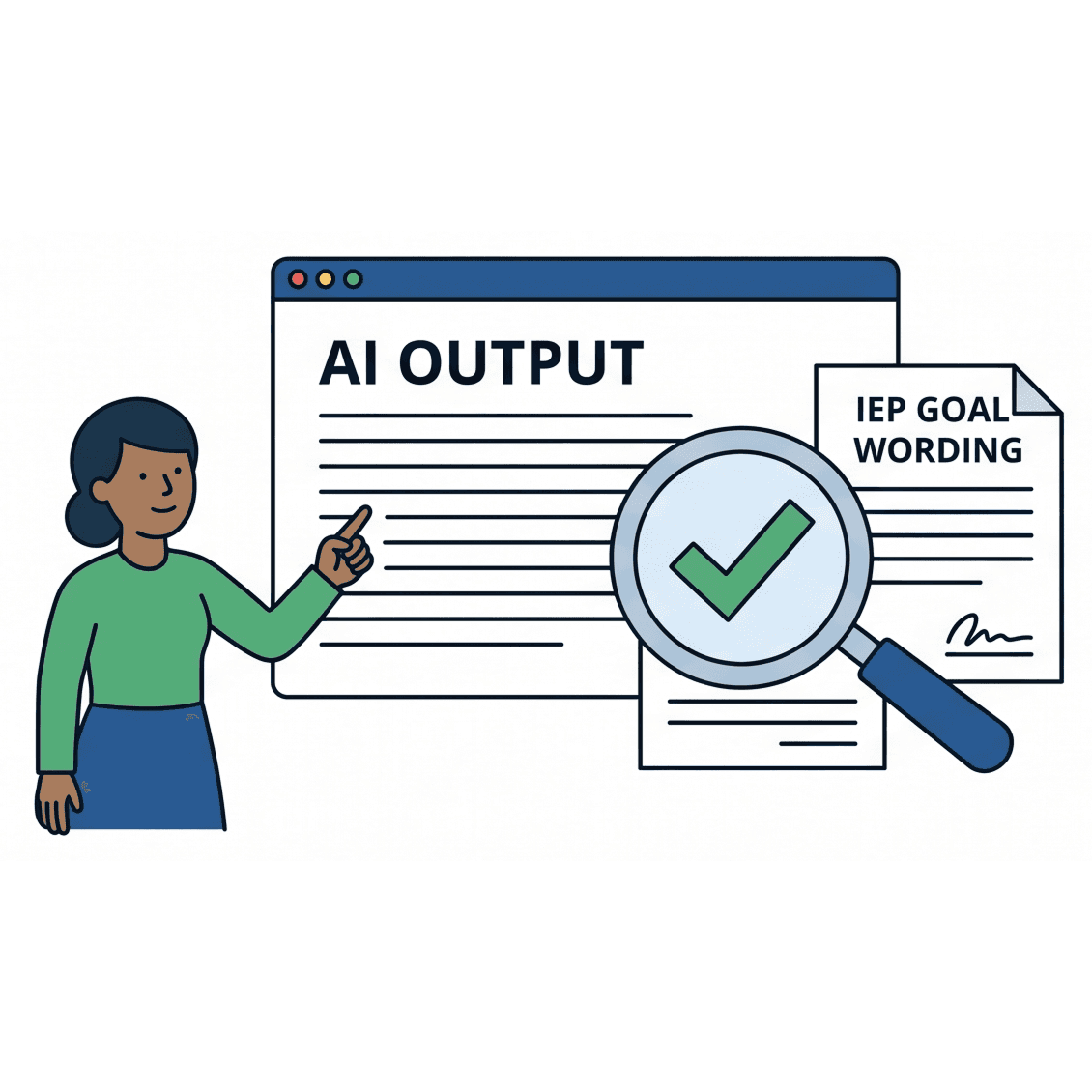
Teachers only trust AI tools if they can easily verify that the output aligns with specific legal goal wording.

Insight 5
Reclaiming lost time would allow educators to return to meaningful work like direct student interaction and small group collaboration.
Personas
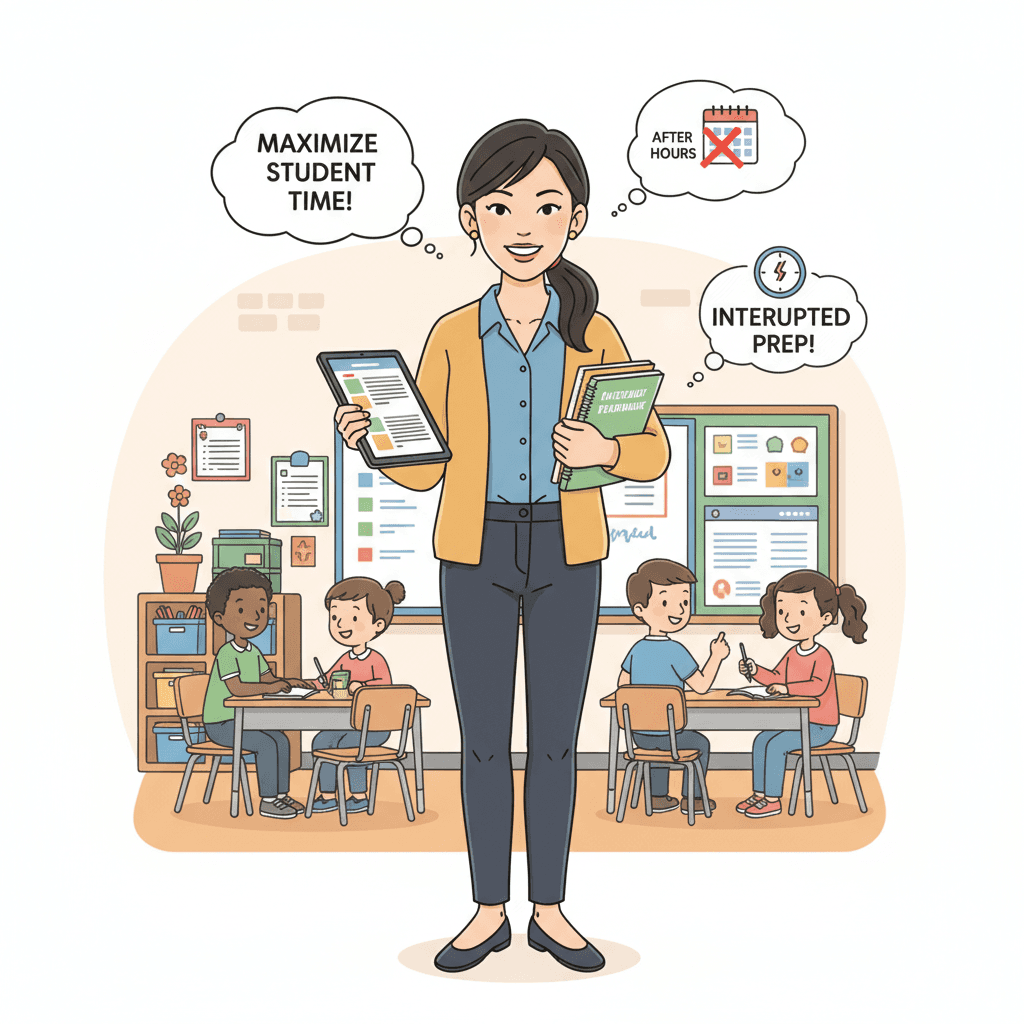
The Teacher: Ms. Jennifer Park
Bio
A general education teacher in an integrated classroom who manages instructional and administrative work for 25 to 30 students.
Goals
She wants to maximize time spent on student interaction and meaningful feedback while reducing her after-hours workload.
Frustrations
Her 45 minute prep period is frequently interrupted, forcing her to choose standardized lessons over personalized ones.
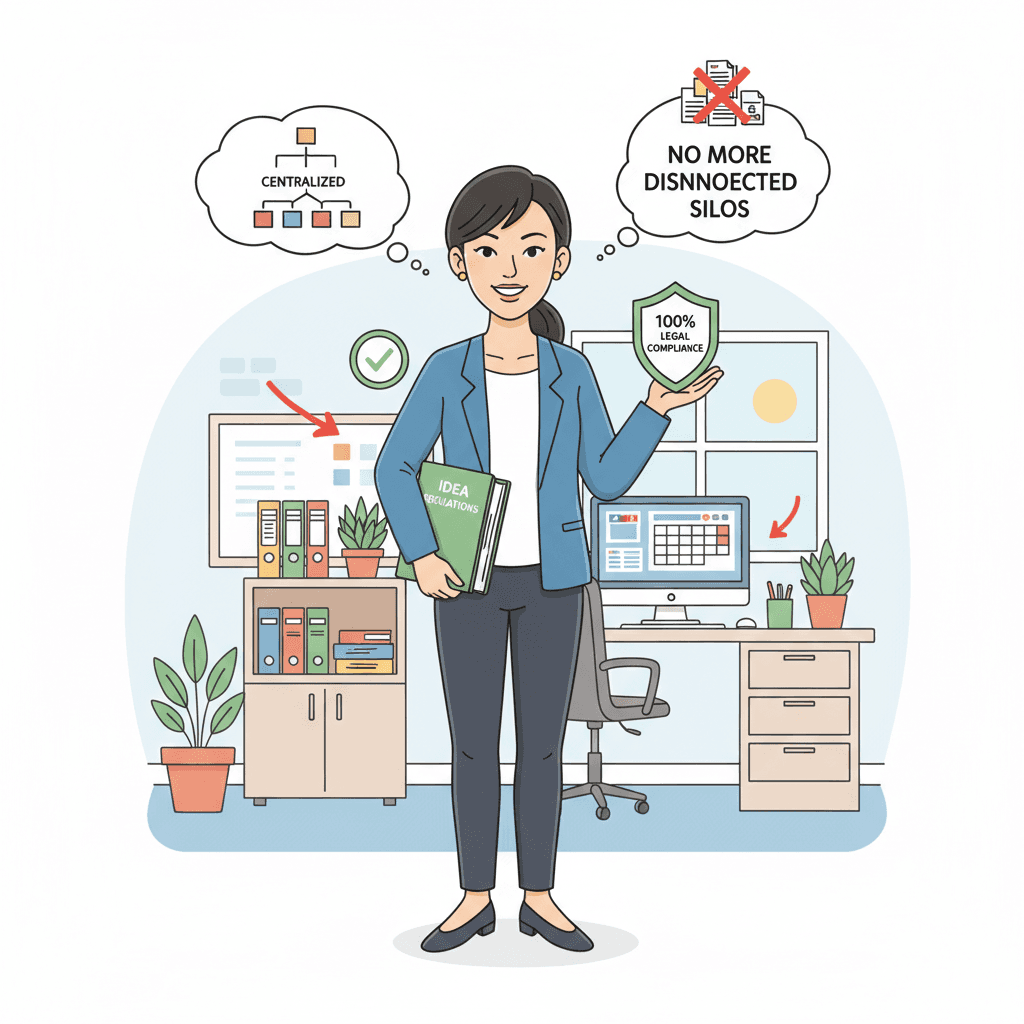
The Case Manager: Dr. Sarah Chen
Bio
A special education teacher who coordinates with various providers to manage legally mandated IEP deadlines and documentation.
Goals
She focuses on maintaining 100% legal compliance with IDEA regulations to ensure students receive their mandated services.
Frustrations
She spends her week acting as a data courier between scattered emails and paper tallies because information is stuck in disconnected silos.
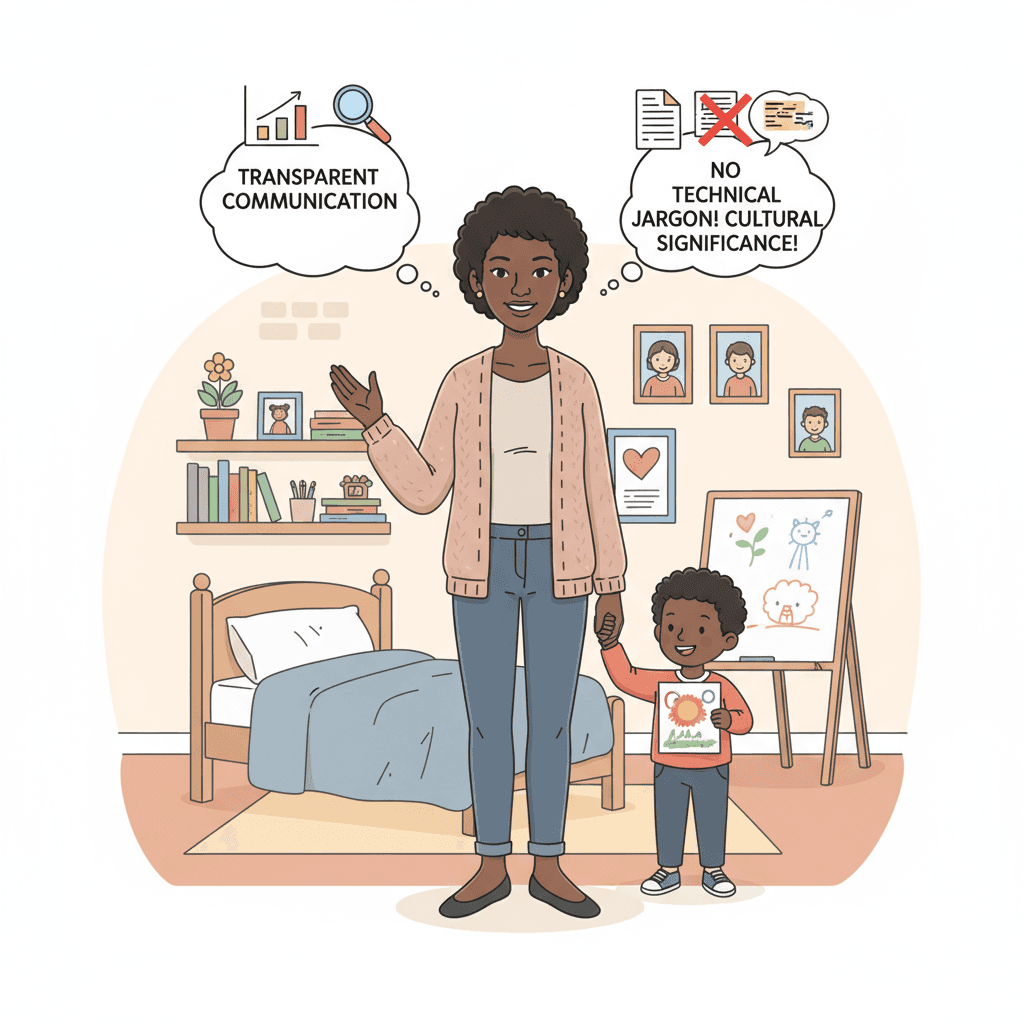
The Parent: Mrs. Monica Johnson
Bio
A dedicated parent who relies on the school team to provide the necessary resources and accommodations for her child's success.
Goals
She needs to understand her child’s academic and social-emotional growth through transparent and accessible communication.
Frustrations
She worries that technical jargon and "linguistic flattening" in official reports might strip away the cultural significance of her child's progress.
Design
Jennifer Park's Teacher Portal
The Teacher portal focuses on quick actions to help educators manage heavy workloads during short prep periods. This walkthrough shows the dashboard alerts for overdue updates and the progress tracking slider that calculates student growth automatically. It also highlights the AI assisted goal generator where teachers can prompt for specific educational outcomes and refine them before submission to ensure they meet classroom needs.
AI Patterns Used:
AI Copilot: Helps the teacher draft diverse IEP goal variations from a single prompt to eliminate "blank page" problem
AI Automation: Helps automatically calculate and visualize progress when teachers adjust student achievement sliders
AI Suggestion: Helps analyze student profiles to suggest specific modifications and instructional next steps
Human-in-the-Loop: A mandatory verification checkbox requires teachers to personally audit and edit AI drafts before they are adopted
Dr. Sarah Chen's Case Manager Portal
The Case Manager portal is designed for high-level oversight and legal compliance. This walkthrough shows the dashboard tracking urgent deadlines and the approval workflow for goal modifications submitted by teachers. A standout feature is the AI-assisted messaging system, which helps draft evidence-based updates for parents while keeping a human in the loop for final verification and sign-off.
AI Patterns Used:
AI Automation: Helps scan multiple data sources to automatically aggregate and surface high priority alerts
AI Copilot: Helps assist in synthesizing rough notes from teachers and specialists into professional progress reports
Human-in-the-Loop: Ensures that no AI generated goal or modification is finalized without a manual sign off from the Case Manager
Mrs. Monica Johnson's Parent Porta
The Parent portal focuses on transparency and making complex information accessible for families. This video demonstrates how parents can monitor real-time progress for their children without the usual educational jargon. It highlights the Glossary Mode feature that translates technical IEP terms into plain language and shows how parents can easily reach out to any member of the care team through a centralized directory.
AI Patterns Used:
AI Explainability / Transparency: A "Glossary Mode" uses plain language to explain complex terms for better accessibility
AI Automation: Generates real time summaries of a student’s academic and social progress based on recent teacher observations.
AI Explainability / Transparency: Clear visual badges like "Human Verified" show parents exactly when a summary has been reviewed and approved by their child's teacher
Usability Testing
5 Participants
- 3 synthetic user personas (Teacher, Parent, and Case Manager),
- 1 real human subject,
- 1 specialized AI heuristic evaluation
Key Findings
Finding 1
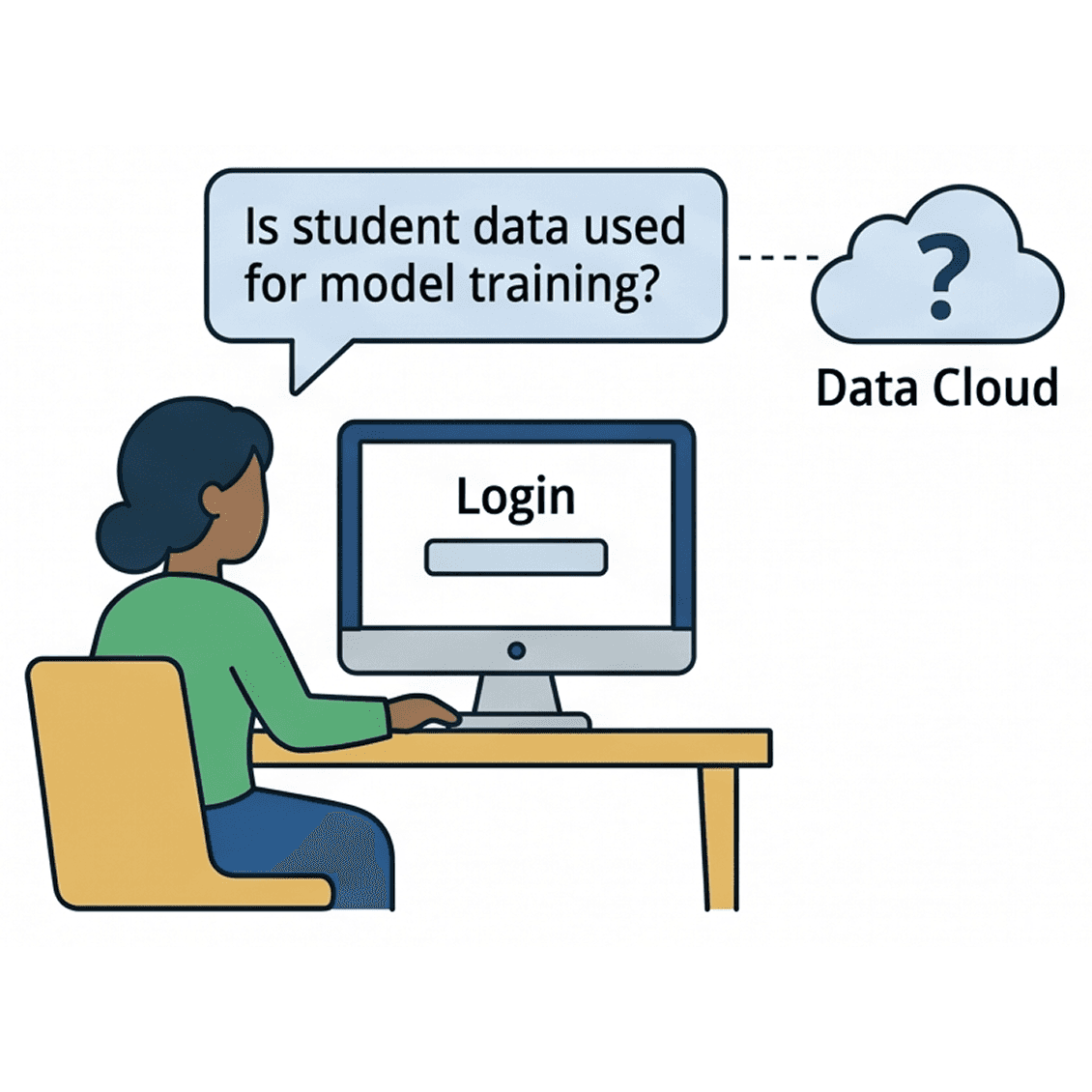
While the security language on the login screen built immediate confidence, users demanded transparency regarding whether student data was used for model training.
Finding 2
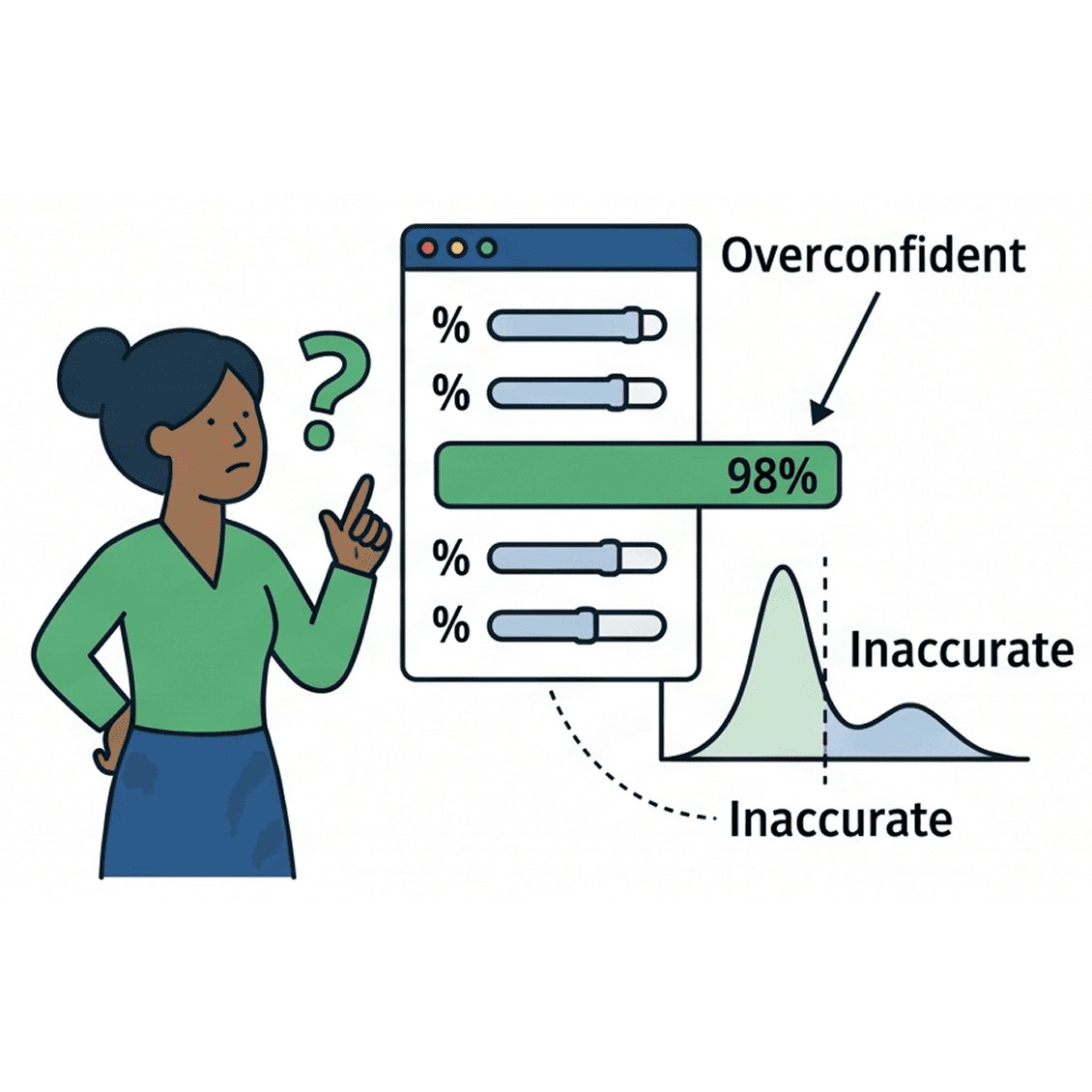
Teacher felt percentage sliders created "false precision" that could lead to inaccurate, overly confident AI summaries.
Finding 3
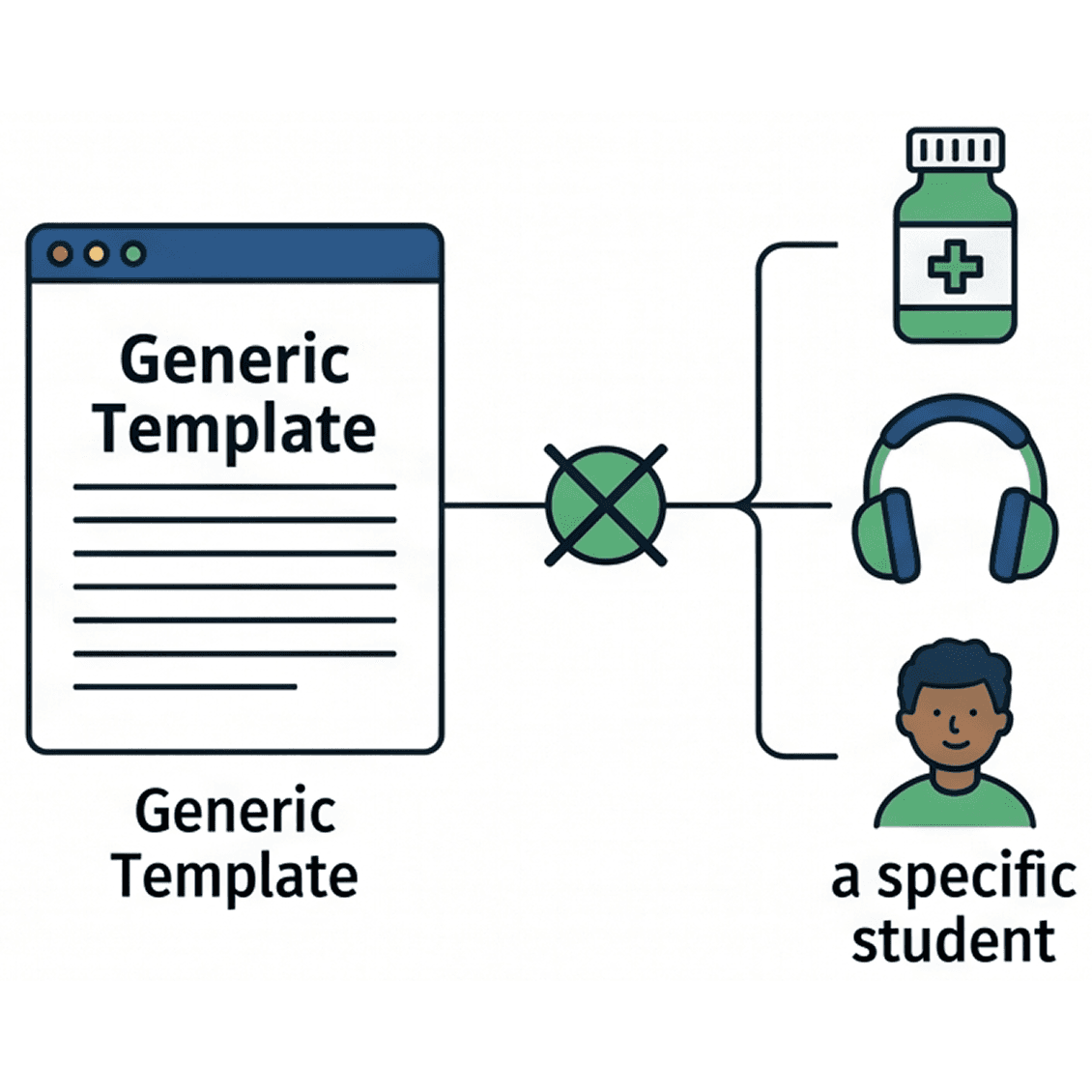
AI-generated goals often missed student-specific triggers; such as medication schedules or sensory sensitivities; highlighting the danger of generic templates.
Finding 4
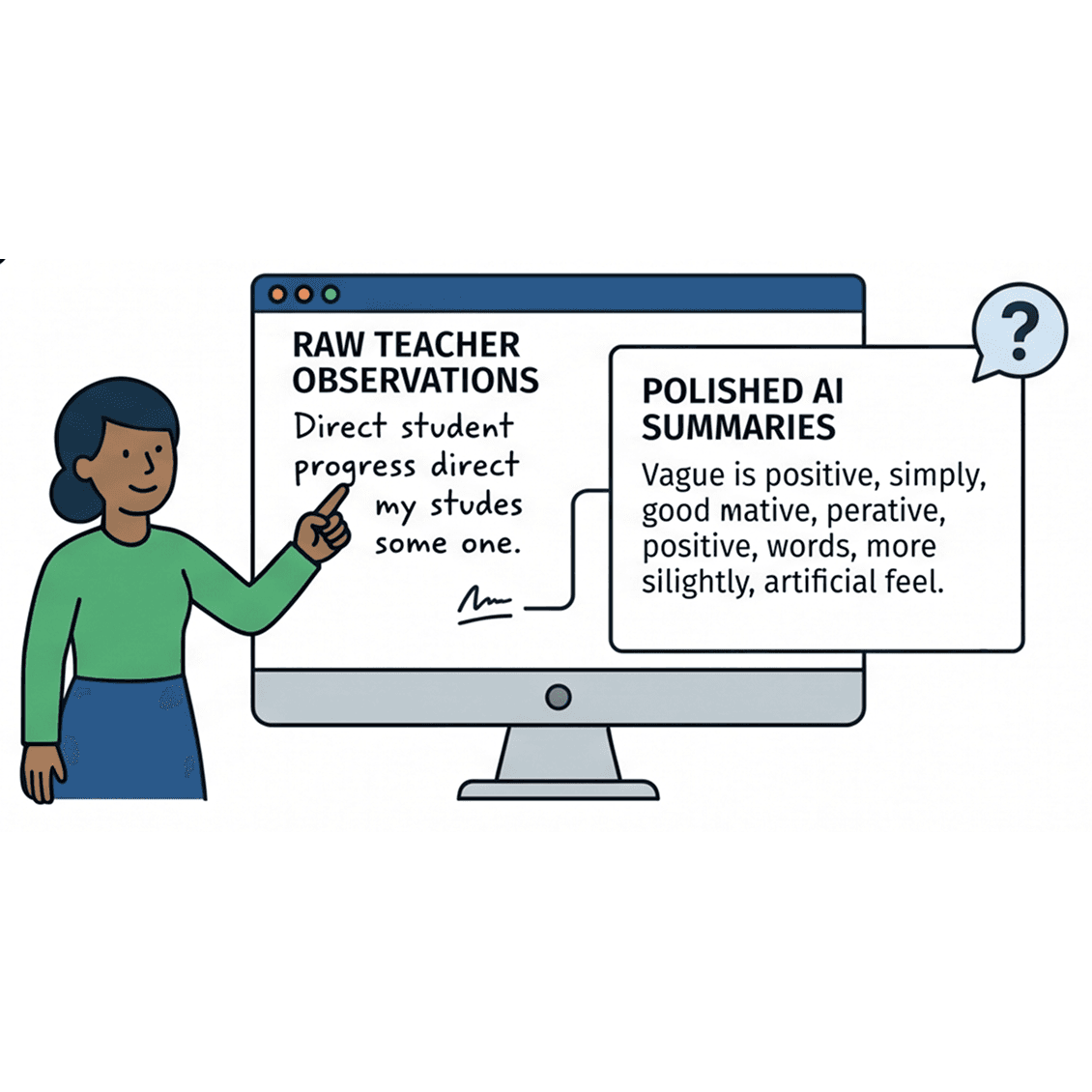
Parent preferred raw teacher comments over "polished" AI summaries, which they perceived as vague or overly optimistic.
Reflection & Takeaways
It was a huge help for rapid prototyping and brainstorming, but at the end of the day, you still need a human to make the final call.
Running tests with AI helped me spot "low-hanging fruit" issues early and forced me to think about trust way sooner.
Some AI personas were unexpectedly argumentative or way too positive, which reminded that simulations aren't a replacement for real people.
Since the AI was just looking at static screens, it couldn't actually "feel" the flow of a multi-step app the way a real user would.
If I did this again, I'd go to the educators and admins to get that deep, real-world context on compliance and classroom life.